Your handwriting,
everywhere
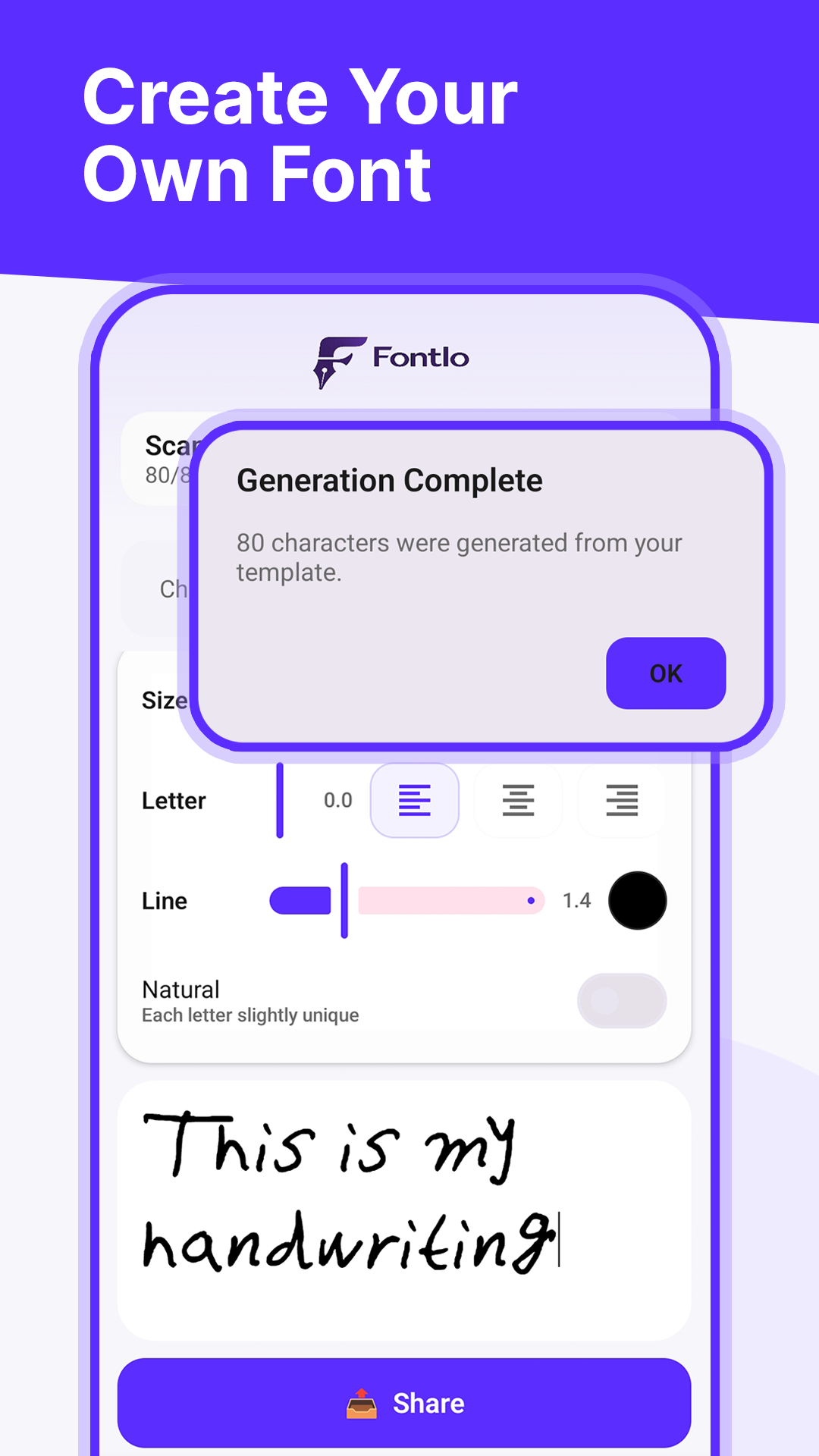
Create your handwriting for free. Type with it using Fontlo Keyboard, share personal messages, or download your font for Canva, CapCut & more.
 · App Store version coming soon
How Fontlo works
Create your handwriting, use it in every message you send, and — if you want it on desktop — unlock the font file with Premium.
Create your handwriting
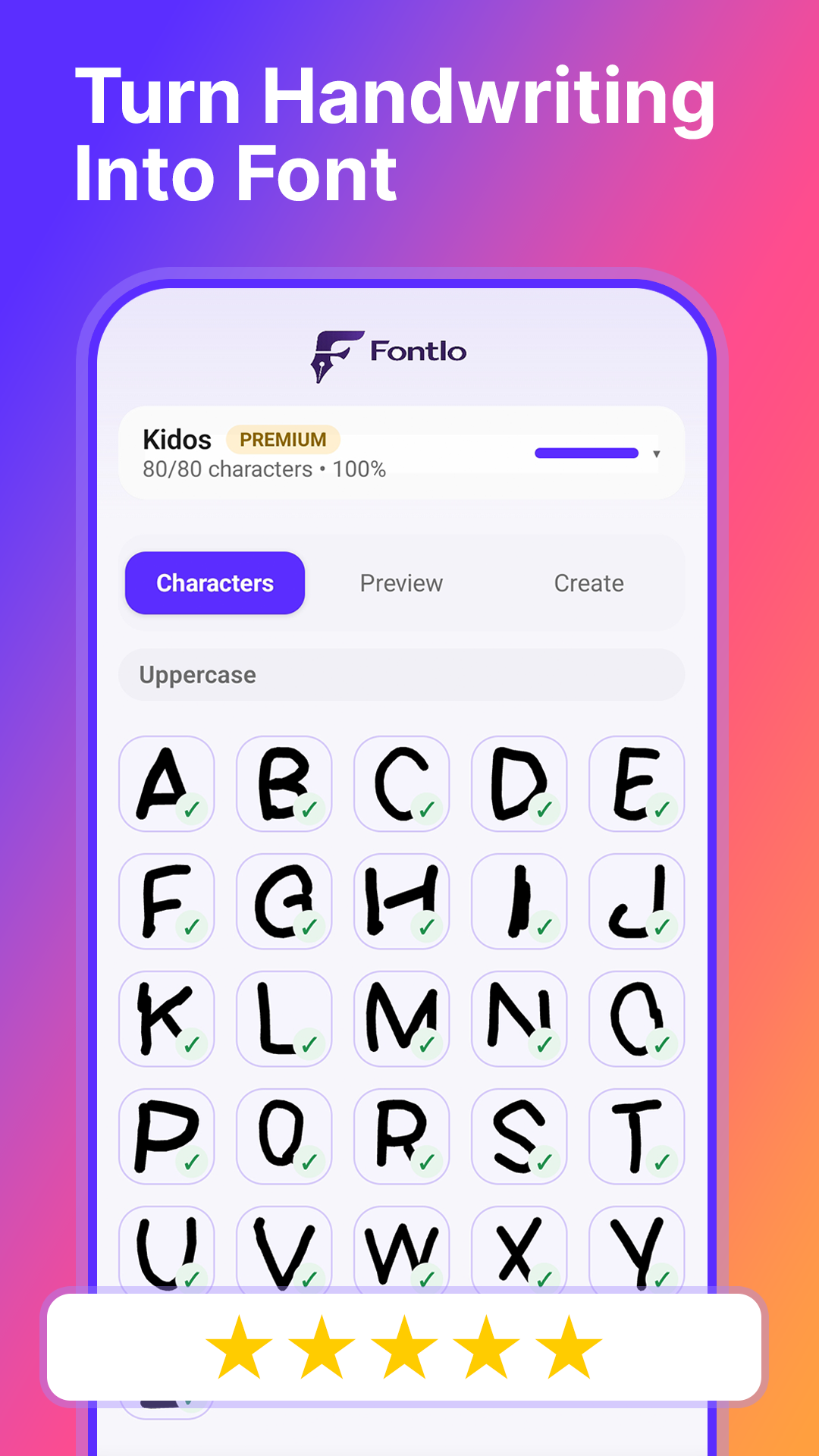
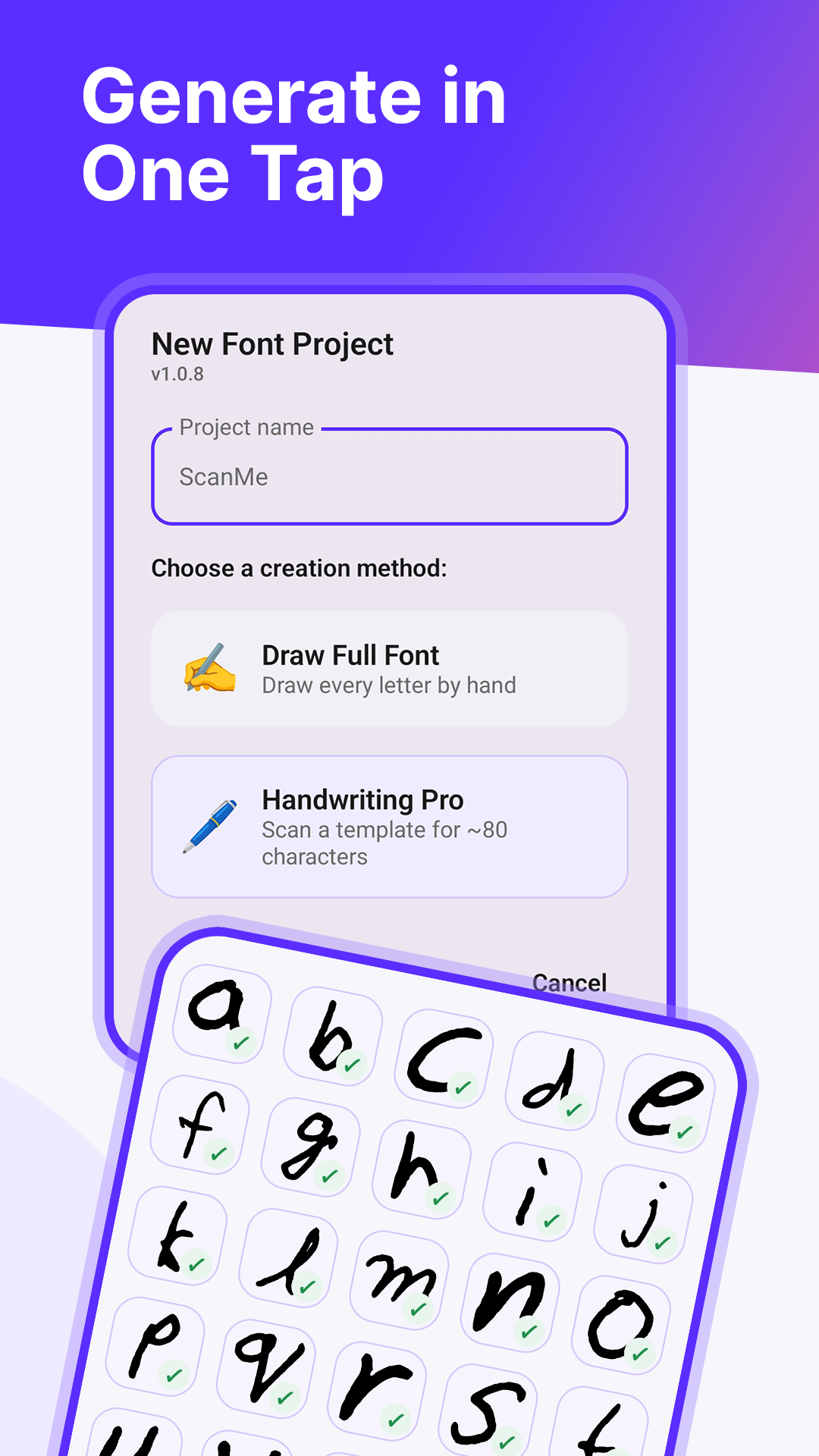
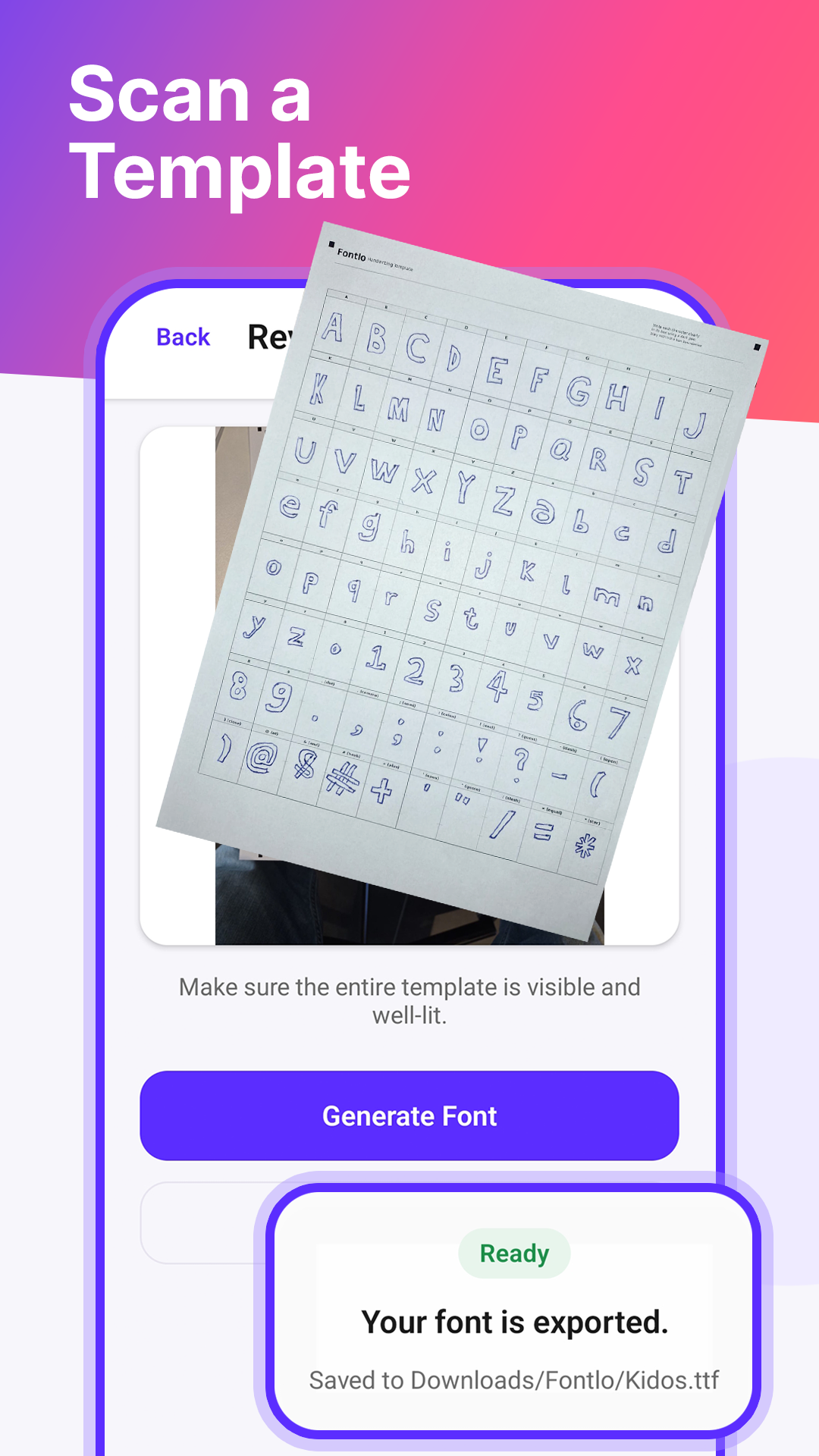
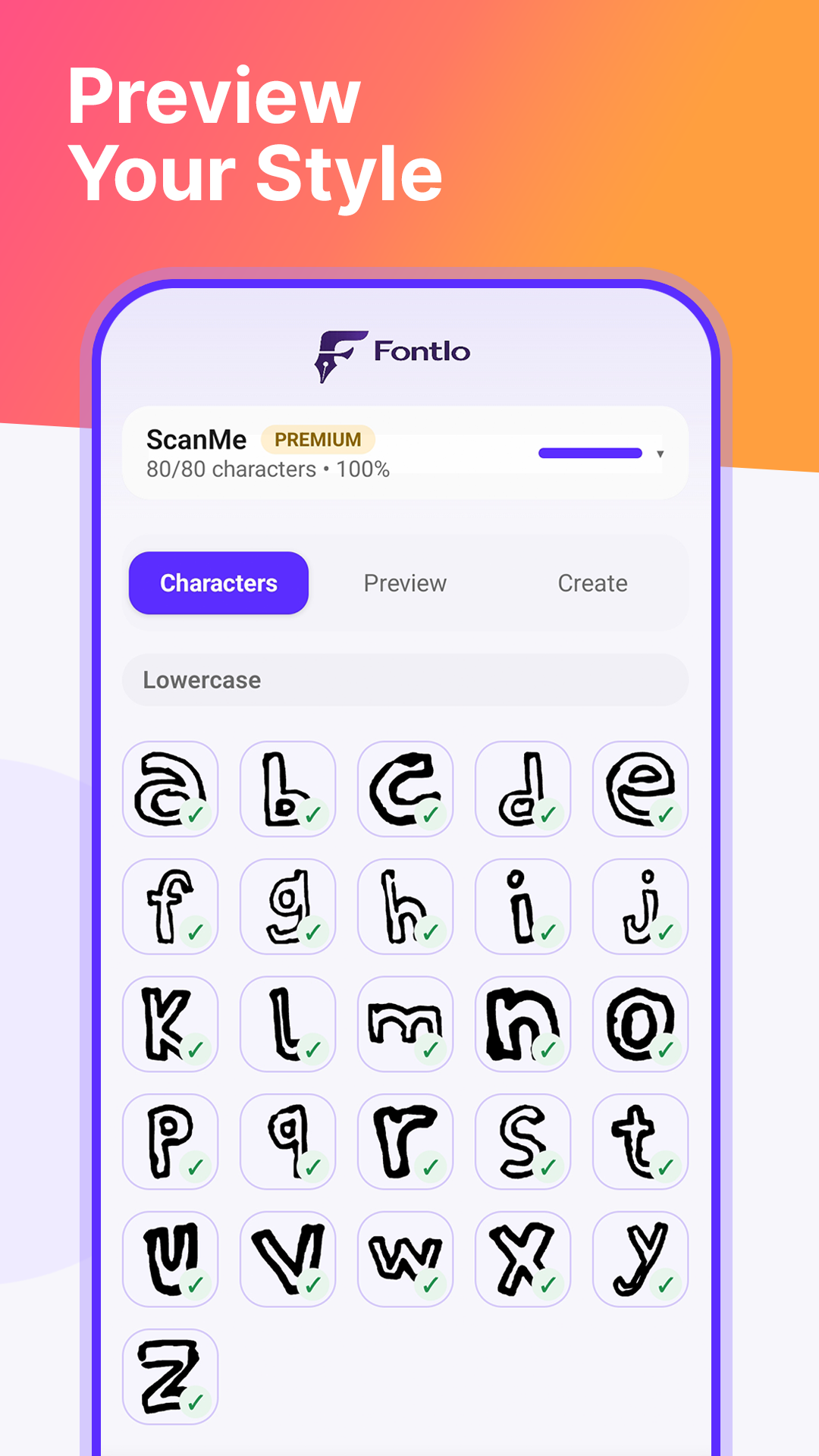
Draw glyphs directly in the app, or print the Fontlo template, fill in ~80 letters, digits, and symbols by hand, and scan the sheet with your phone. Fontlo builds a real font from your handwriting.
Type with it anywhere
Enable Fontlo Keyboard and send handwritten messages in WhatsApp, Instagram, Telegram, iMessage, Snapchat — any app that accepts images. Draw a message, tap Send, done.
Export as TTF
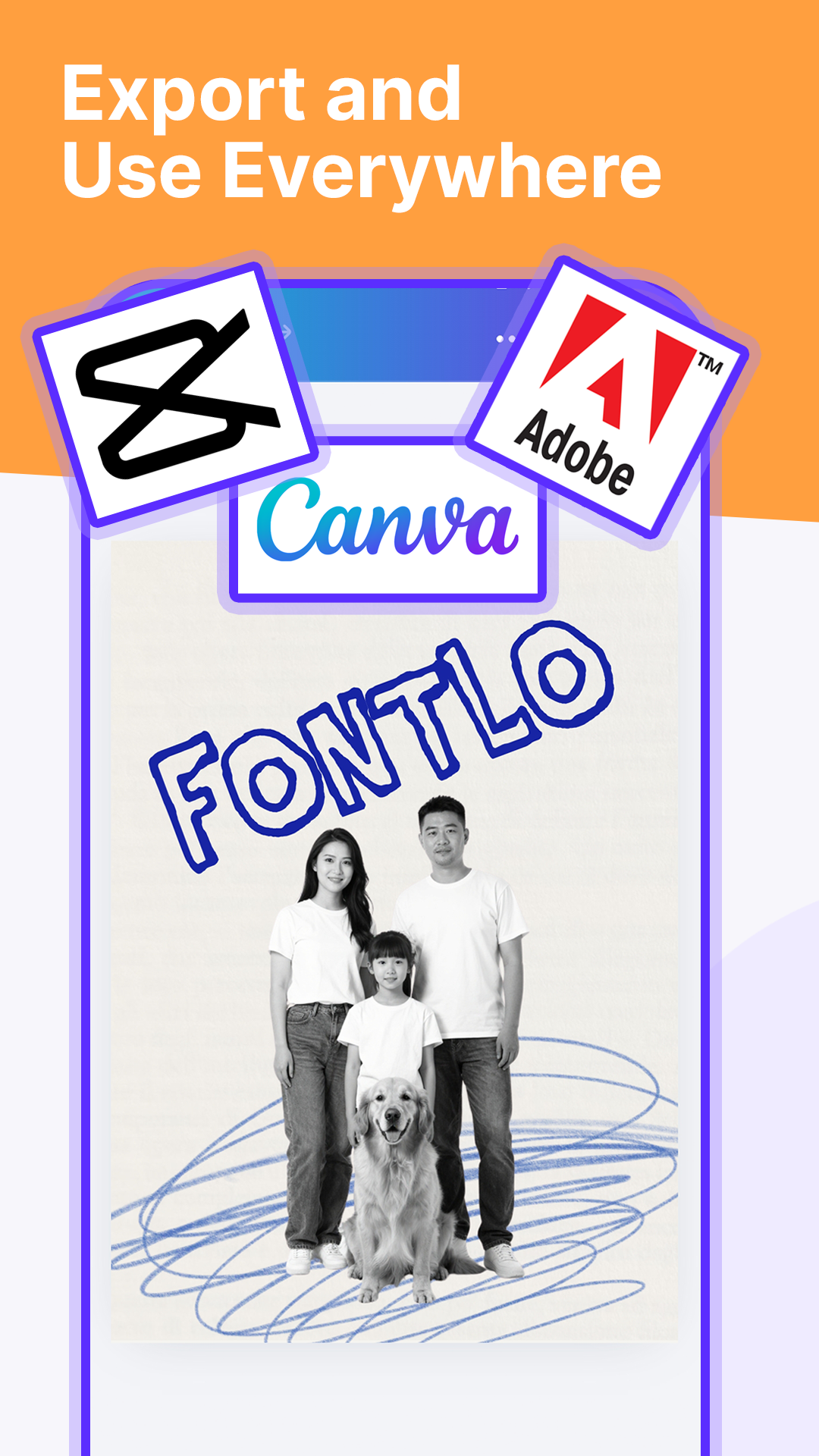
Unlock the standard TrueType (.TTF) file with a one-time Premium purchase. Use your handwriting font in Canva, CapCut, Adobe, Word, Google Docs, Photoshop, and any other app that supports installed fonts.
Fontlo Keyboard
Text your friends in your own handwriting — no export, no ads, no Premium needed.
Send handwritten messages
Fontlo Keyboard is a real Android input method. Once enabled, it works in every app on your phone.
- Draw a message on the keyboard canvas
- Tap Send — the app receives your handwriting as an image
- Works in WhatsApp, Instagram, Telegram, iMessage, Snapchat, Discord and more
- Nothing you type in other keyboards is ever seen by Fontlo (details)
Fontlo Keyboard sending a handwritten message in WhatsApp
Use your Premium font anywhere
Unlock the .TTF file with a one-time Premium purchase and your personal font works in every app that supports installed fonts — Canva, CapCut, Adobe Photoshop, Illustrator, Word, PowerPoint, Google Docs, and more. Perfect for designers, journal keepers, gift makers, brand builders, and anyone who wants their own handwriting to live on as a real typeface.
Frequently asked questions
Can I really make a font from my handwriting?
Yes. Draw around 80 letters, digits, and symbols directly in the app, or fill in a printed template and scan it with your phone camera. Fontlo turns those characters into a real, installable font in your handwriting.
Is Fontlo free?
Yes — Fontlo is free to download, free to create your handwriting, and free to type with it in any messaging app via the built-in Fontlo Keyboard. Fontlo Premium is a one-time purchase that unlocks the .TTF export so you can use your font in Canva, CapCut, Word, and any desktop/web app that accepts custom fonts.
What is Fontlo Keyboard?
A real Android keyboard (input method) that ships with the app. Enable it in your phone's keyboard settings and switch to it whenever you want to send a message in your own handwriting. Draw a message on the keyboard canvas, tap Send, and your handwriting is inserted as an image into WhatsApp, Instagram, Telegram, iMessage, Snapchat, Discord, or any other app that accepts pictures. The keyboard is free — no ads, no export needed — and Fontlo never sees anything you type in your other keyboards.
What file format does Fontlo export?
Fontlo exports standard TrueType fonts (.TTF). That is the format used by virtually every operating system and design app.
Where can I use my custom Fontlo font?
Anywhere you can install a font. Popular examples: Canva, CapCut, Adobe Photoshop, Illustrator, Word, PowerPoint, Google Docs, InDesign, Procreate, and system-wide on Android, iOS, macOS, and Windows.
Do I need a stylus to draw letters?
No. Your finger works fine, though a stylus produces cleaner strokes. If you prefer pen and paper, use the Handwriting Pro flow: print the template, fill it in, and scan it.
How many characters do I need to fill in?
Around 80. That covers uppercase and lowercase alphabet, digits 0–9, and common punctuation — enough for a complete usable typeface.